Multi-factor authentication
Two Factor Authentication
During the Esendex login process, you have two options for setting up multi-factor authentication. You can either use an authenticator app or opt to receive verification codes via SMS. Each method provides an added layer of security for your account.
Video
Getting started
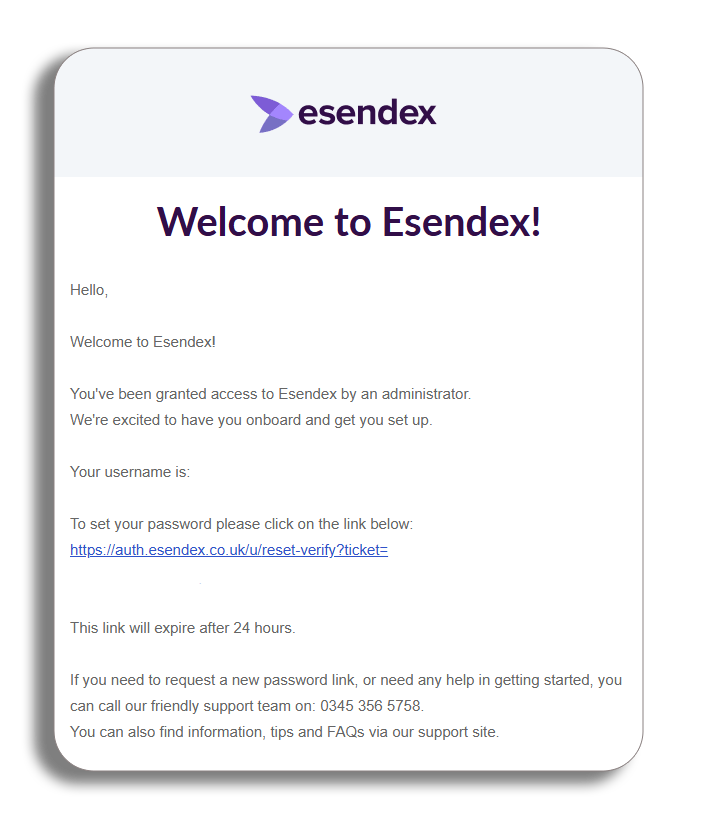
Once your profile has been created on the Esendex platform, you will automatically be sent an email for you to set up your password. This will give you your username (your email address) and a link to select to set up your password. Click on the link in your email to continue.
Logging in
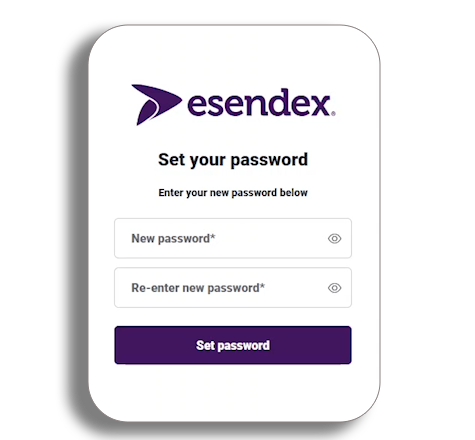
To access your account, start by entering your username (email address) and your newly created password on the login page, then click the login button.
Your password must contain:
- At least 12 characters
And at least 3 of the following
- Lower case letters (a-z)
- Upper case letters (A-Z)
- Numbers (0-9)
- Special characters (e.g. !@#%^&*)
And finally.
- No more than 2 identical characters in a row
Once you’ve logged in, you’ll be directed to the Multi-Factor Authentication (MFA) page. Here, you will have two options available to enhance the security of your login.
Let’s take a closer look at these options to ensure you can complete your login process safely and securely
Option 1: Authenticator app
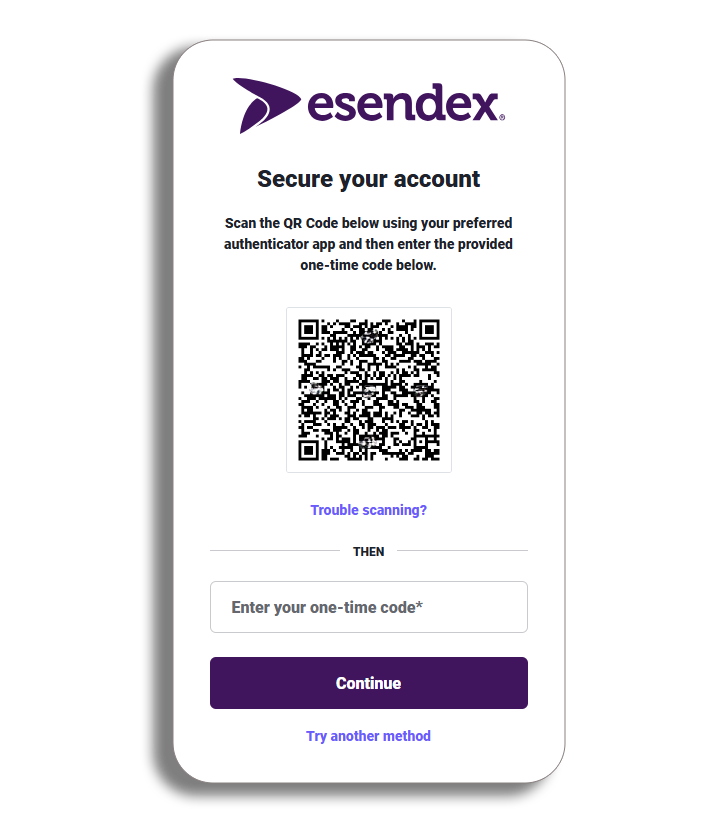
To set your one-time passcode, use your authenticator app and scan the QR code, once you have scanned the QR code you will receive a one-time code in your app, enter this where required and press continue.
Option 2: Secure your account with SMS
You can enhance the security of your account by utilising SMS verification. To do this, navigate to the authenticator app page and choose the option labelled Try another method. This will allow you to select SMS as your preferred verification method.
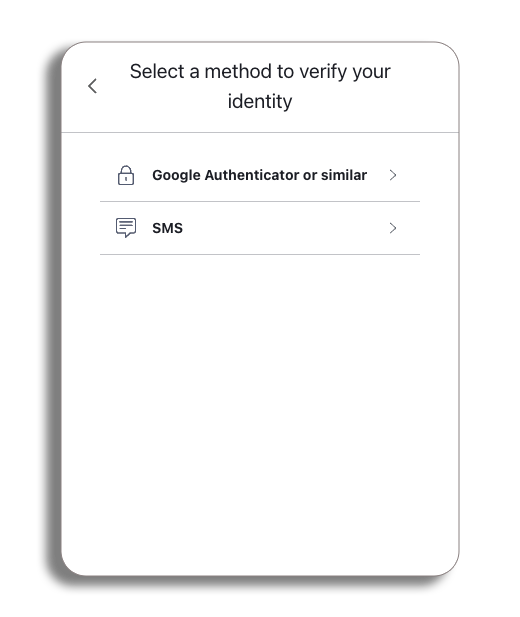
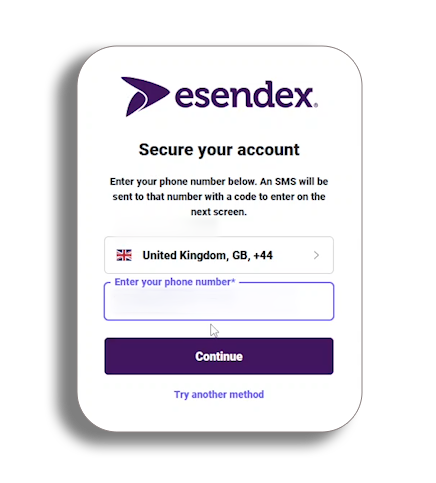
Enter your phone number
You will now need to select the international code of your phone from the drop-down and then enter your number and press continue to receive your SMS code.
SMS code
You will now be sent a six-digit code to your phone through SMS, once you have this, enter it where required and press continue.
Recovery code
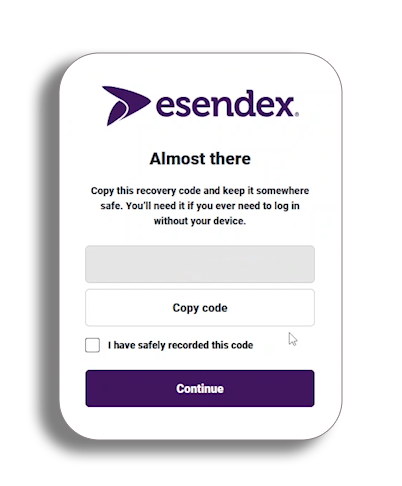
After entering the code, you will be given your recovery code.
Please be aware – you will need this to log in if you are ever without your device, so keep it safe.
You will have the option to copy the code, and once you have safely stored the code, tick the check box confirming this and then press continue to complete the setup process.
You will now be taken to the home page. You have set up your One-time password.