URL Shortening
Introduction
Esendex’s URL shortener reduces the length of a URL link to be included in your SMS, so you will have more characters available to create a more personalised informative messages and making your budget go further by reducing the number of message parts sent. .
You can access and use the URL shortener in the following areas:
- Message Centre
- Conversations
- Message templates
How to add URL Shortner
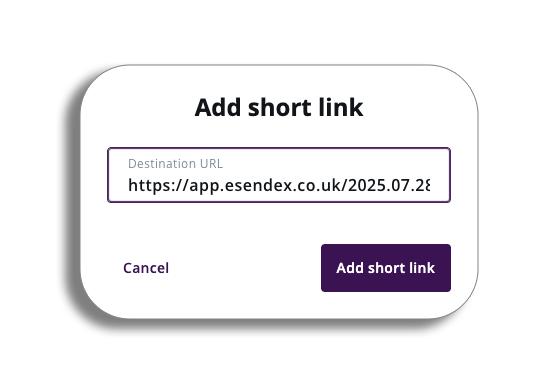
Let’s take a look at adding a short URL. If you go to the message centre and compose a message, you will see the add short link button – by pressing this, you will get a pop-up asking you to enter your URL.
Once you have done so, the accepted URL will appear in the compose message text box.
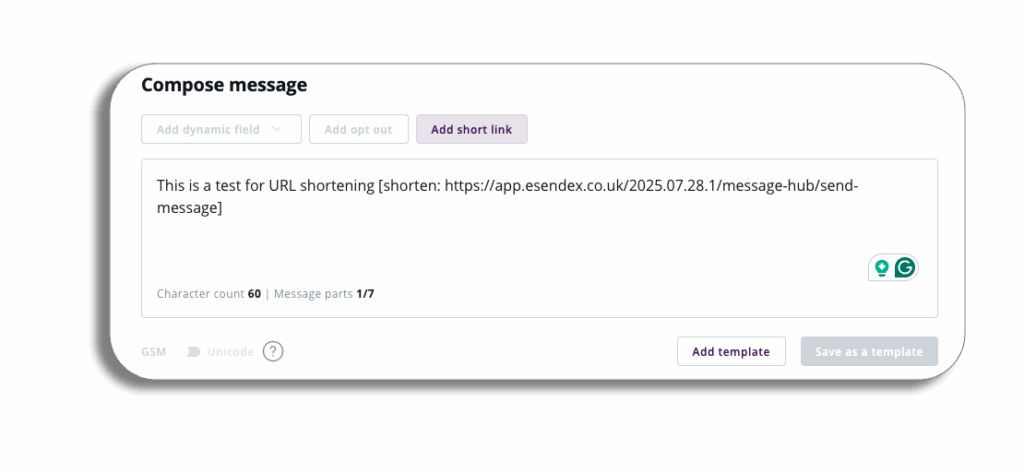
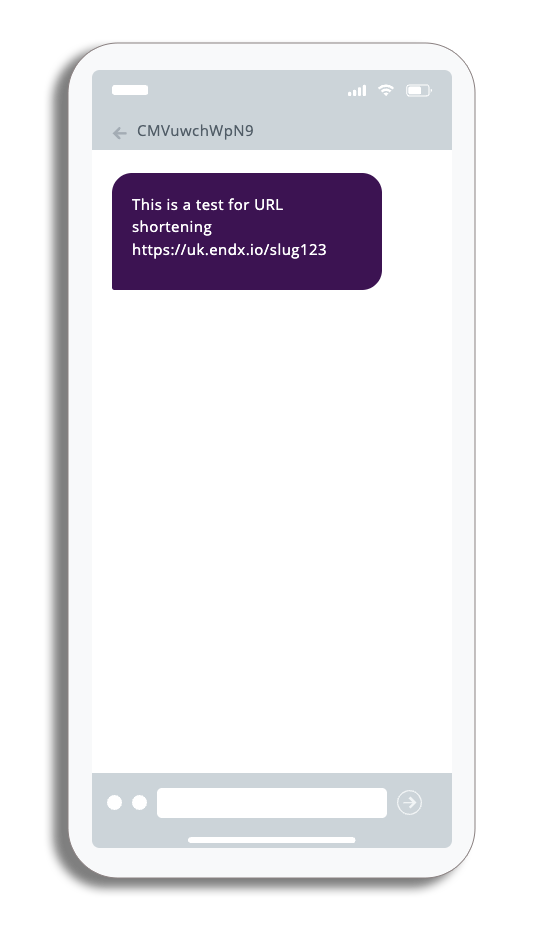
There is no need to panic though. Although it does look like a normal URL here, if you take a look at the preview you will see the short URL in action.
Your short URL will look similar to this endx.io/1234567 – it will not have any branding in the URL and it will have 7 random alpha numeric digits at the end.
The random 7 digit numbers will be unique to every recipient, which will enable you to identify the customers that have clicked on your link.
Reporting
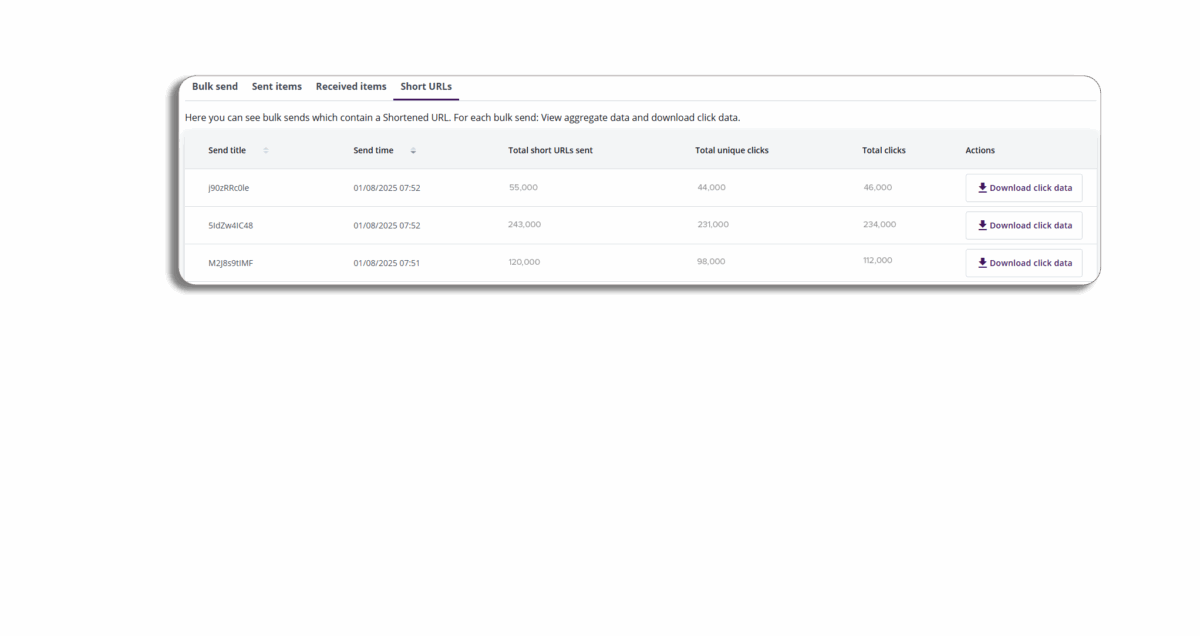
Yes it can, you will be able to access reports, by going to message history. The reports will show you your group sends which contained a Shortened URL.
From the actions you will be able to download this report in a CSV file.